Moving Adobe XD layouts to Figma
I don’t use Adobe XD that much, but it is handy for doing quick mock-ups rather than using the ever clunkier Photoshop or Illustrator (even InDesign can be faster to prototyping than those two but has its own separate issues with image sizing and transparency). Delightfully, Adobe have bought Figma and the general consensus is that, as per its usual habits, Adobe will run XD down until it finally disappears from the Creative Cloud view.
I have a few projects that I would like to keep from XD to show people but rather than just having the jpgs / pngs, I would like to be able to tinker with them to maybe fit it into a phone or tablet screen mock-up. Thankfully there is a way that you can get things over into Figma if you use it via the Edit > Copy SVG Code option (I found this tip via UXPlanet).
For the most part this seems to work ok, but:
It does seem to fall over on more complicated images (these examples below aren’t particularly complex). I did it screen by screen rather than in one go.
All the linking etc you’ll have to rework you’ll have to add back in yourself so bear this in mind if you’ve got lots of complicated boards / screens.
For the most part the text remained editable but there was the odd issue with them being turned into a clipping path – memory or font issue maybe?
If you don’t have Figma this is also doable through pasting it into Illustrator but it’s seemingly a lot clunkier process – Illustrator locked up on me a few times but it did copy into a file in the end and was editable (but bear this in mind if you’re short on time).
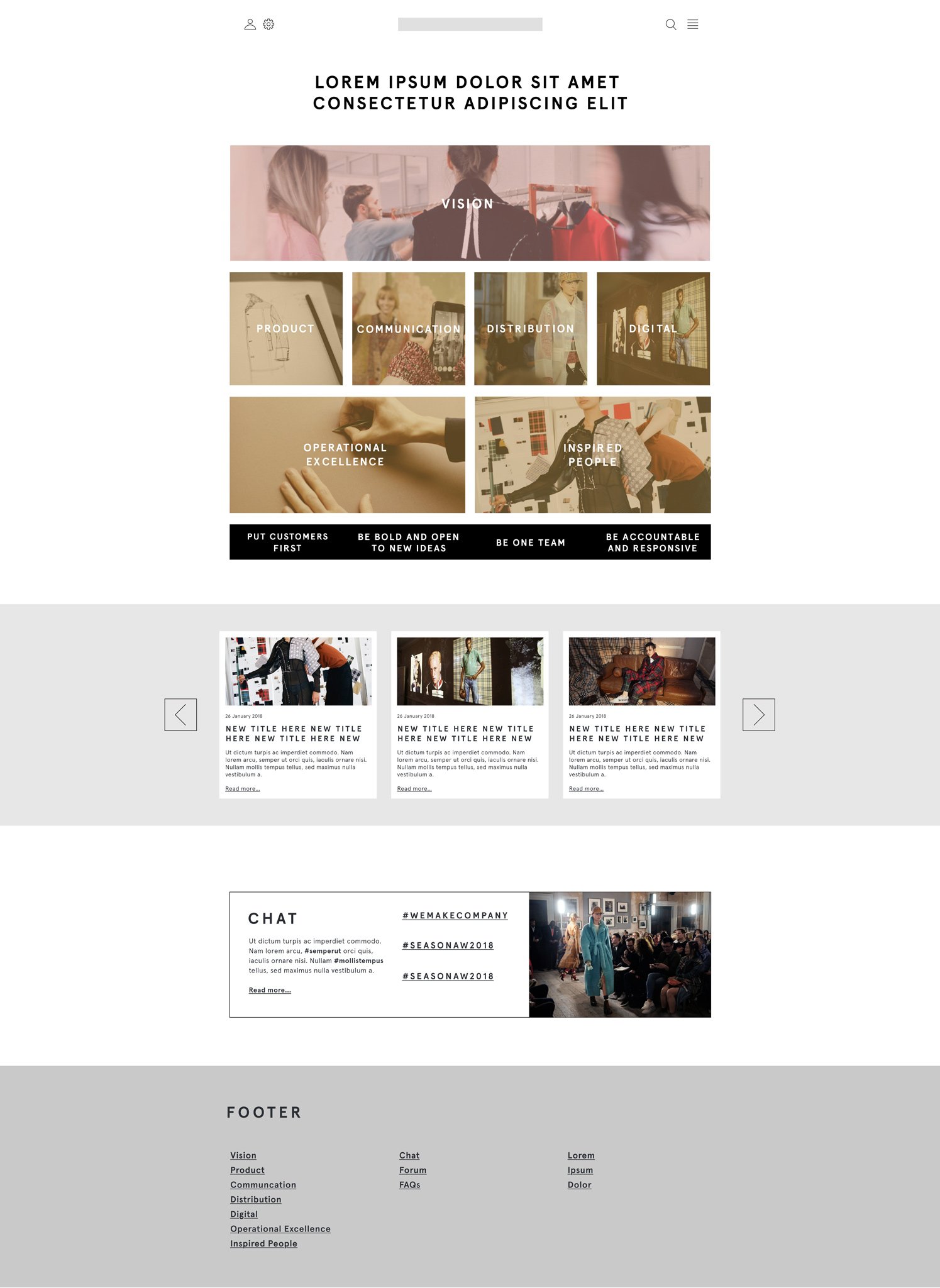
Adobe XD layout for a British fashion brand. This was for a proposal for an employee engagement strategy site that didn’t get built in the end. The aim was to have a holding place for all of the strategy event assets including interactive pdf’s and stakeholder videos.
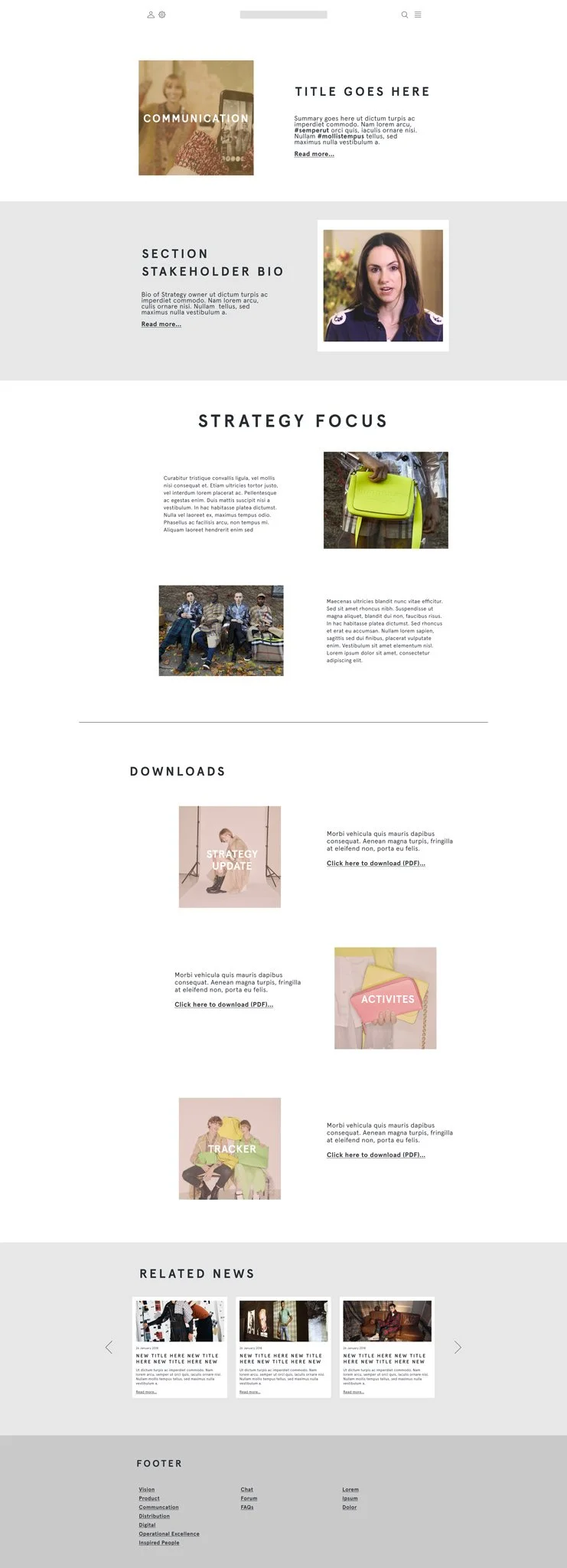
Adobe XD sub page layout for a British fashion brand.
*NB this has been a bit of a test post to see what the blog functionality of Squarespace is like.